
How to Search Cases by Name
First identify the Madison County court level. County criminal, civil, and probate matters begin at the County Clerk portal. District felony, major civil, and family matters point to the District Clerk. Traffic citations belong to the justice court or municipal court printed on the ticket. A common name must be narrowed with facts from the case.
- Open the County Clerk public search for county matters, or re:SearchTX for statewide discovery.
- Enter the party name. Try the last name first, then add the first name or a supported spelling variant.
- Narrow results with Madison County, court, case category, attorney, or filing year when the selected portal offers those filters.
- Open the likely result and compare the case number, parties, court, filed date, status, and most recent register event.
| Field Label | Type | Required | Notes |
|---|---|---|---|
| Party Name | Text | No | Documented for re:SearchTX; add other filters for common names. |
| Case Number | Text | No | Exact or partial entry may work where supported. |
| Attorney | Text | No | A statewide search option, though local coverage varies. |
| Court | Selector | No | Choose the known court when available. |
| County | Selector | No | Choose Madison to narrow statewide results. |
Madison County Odyssey Categories
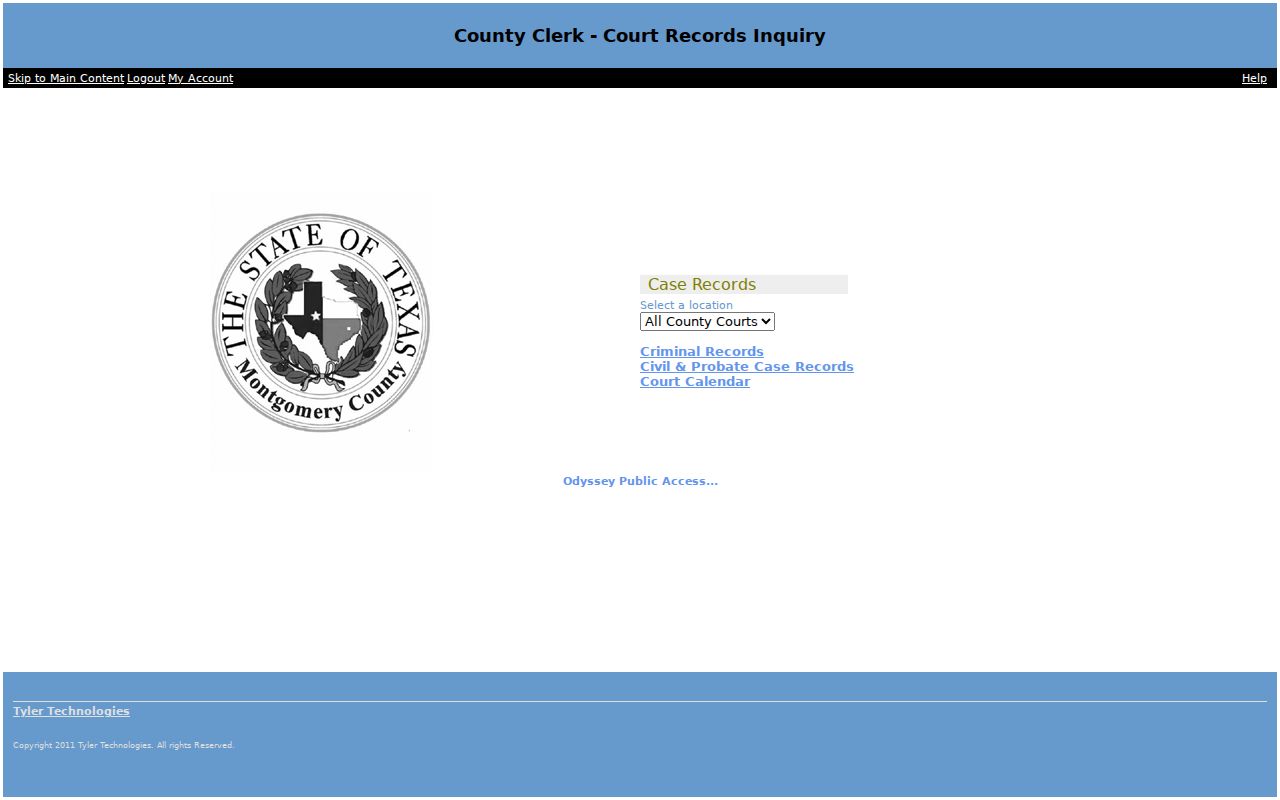
The County Clerk landing offers Criminal Records, Civil & Probate Case Records, and Court Calendar choices. Pick the category that matches the matter. The real-property index at madison.tx.publicsearch.us is not a court-case docket, even though both systems involve public records.
The Madison County Clerk page is the authoritative office route. The public landing is free to reach, but the static capture did not expose all underlying search controls or document fees. Filed images may depend on the case, account, court, and publication settings.
The official portal capture below shows the county search entry point.
Use the live labels, then verify any important result with the County Clerk.
How to Search by Case Number
A Madison County cause number is the strongest lookup key. Enter the number exactly as it appears on a notice or filing, including punctuation when accepted. The researched docket-call PDF displays cause numbers prominently, but the source set does not establish a single public numbering pattern. For that reason, a fabricated example such as a year-type-sequence code would be misleading.
Use the actual identifier as a unit: cause number as printed. If it fails, try only portal-supported punctuation changes, confirm the correct court category, and ask the clerk whether the case belongs in a different system. Quote the number during calls and copy requests.
Madison County District Search Gate
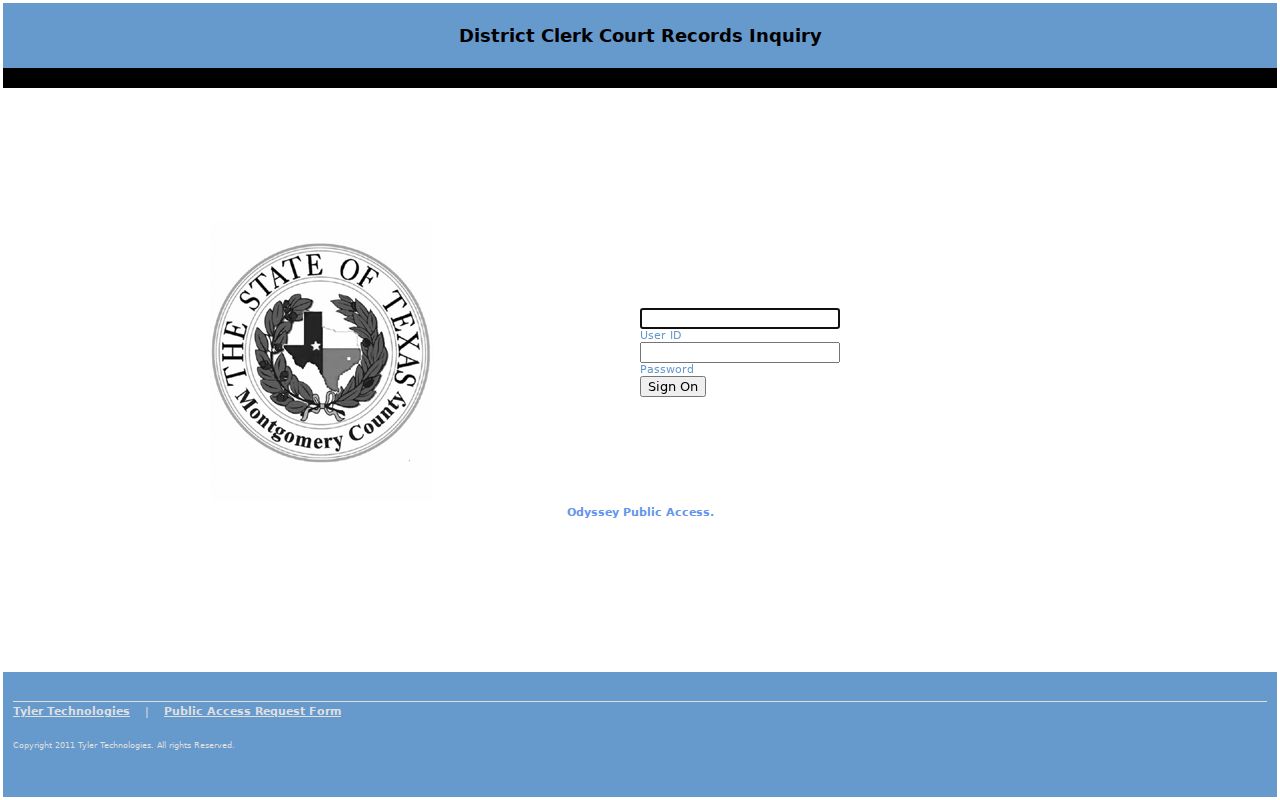
The District Clerk page routes district records, while the inspected Odyssey address returned a secured login. Visible controls included User ID, Password, Login, and Reset. That account boundary does not prove that every district case is private. It means public coverage could not be mapped from the secured screen alone.
Call the District Clerk at 936-241-6212 or visit the counter at 101 W Main, Room 226, Madisonville, TX 77864 when a district case does not appear. In-person public access is available during office hours, subject to restrictions. Mail, fax, and email should use the clerk-specific details and instructions rather than a generic county inbox.
The captured secured route illustrates the access boundary.
A clerk response is the proper fallback when the public view does not resolve the case.
What a Case Search Shows
A Madison County case result can lead to a register, which is the chronological case history. It differs from a calendar event, which only identifies a setting. Read the last entry and the status together. A short status is not a certified disposition, and a document title may appear without a public image.
| Case Number | The principal identifier used across settings, searches, clerk calls, and copy requests. |
|---|---|
| Style / Parties | The caption and party roles, subject to redaction or restriction. |
| Case Type | Criminal, civil, family, probate, juvenile, mental health, traffic, small claims, debt, or eviction as presented. |
| Filed Date | The date the case began or docket opened, not the next hearing date. |
| Status | Active, pending, disposed, settled, dismissed, sealed, restricted, or a vendor-specific equivalent. |
| Latest Event | A filing, setting, hearing, signed order, disposition, appeal, cost, or payment entry. |
Madison County Register Events
A register may list a petition, indictment, citation, answer, motion, response, hearing notice, reset, order, plea, bond event, judgment, disposition, appeal, mandate, costs, or payment. Dates can refer to different acts. An order may be signed after the hearing, and its docket entry may be posted on another date.
- Docket call
- A scheduling event, not the final outcome.
- Reset
- A moved date; it does not by itself change the case status.
- Prove up
- An evidentiary presentation in an uncontested or default matter, such as a final decree.
- DWOP
- Dismissal for want of prosecution. “Set from DWOP” describes a later setting tied to that notation.
- Passed
- A docket action or status, not necessarily a disposition.
Unknown local abbreviations such as MTA, MTR, FS, F1, F2, F3, or SPU need context from the clerk or coordinator. Do not turn a calendar code into a firm case conclusion.
County vs Statewide Case Search
Use re:SearchTX to discover matters across participating Texas courts. Use the County Clerk portal when the case is known to be a local criminal, civil, or probate matter. Neither route guarantees every Madison County document, so absence is a prompt to check the other court or clerk.
| re:SearchTX | Madison County Portal |
|---|---|
| Participating and integrated Texas courts; coverage varies. | County Clerk criminal, civil, probate, and calendar categories. |
| Case number, party, attorney, court, and county search fields. | Local category-led entry; exact underlying controls varied in capture. |
| Best for cross-court or multi-county discovery. | Best for a known Madison County Clerk matter. |
Madison County on re:SearchTX
re:SearchTX is separate from eFileTexas. The first is a statewide electronic access layer; the second is used to submit filings. A free account may be needed, and document availability depends on court integration, permissions, and publication. Madison County availability should be confirmed in the current account session.
The official re:SearchTX portal supports result and detail actions where access exists.
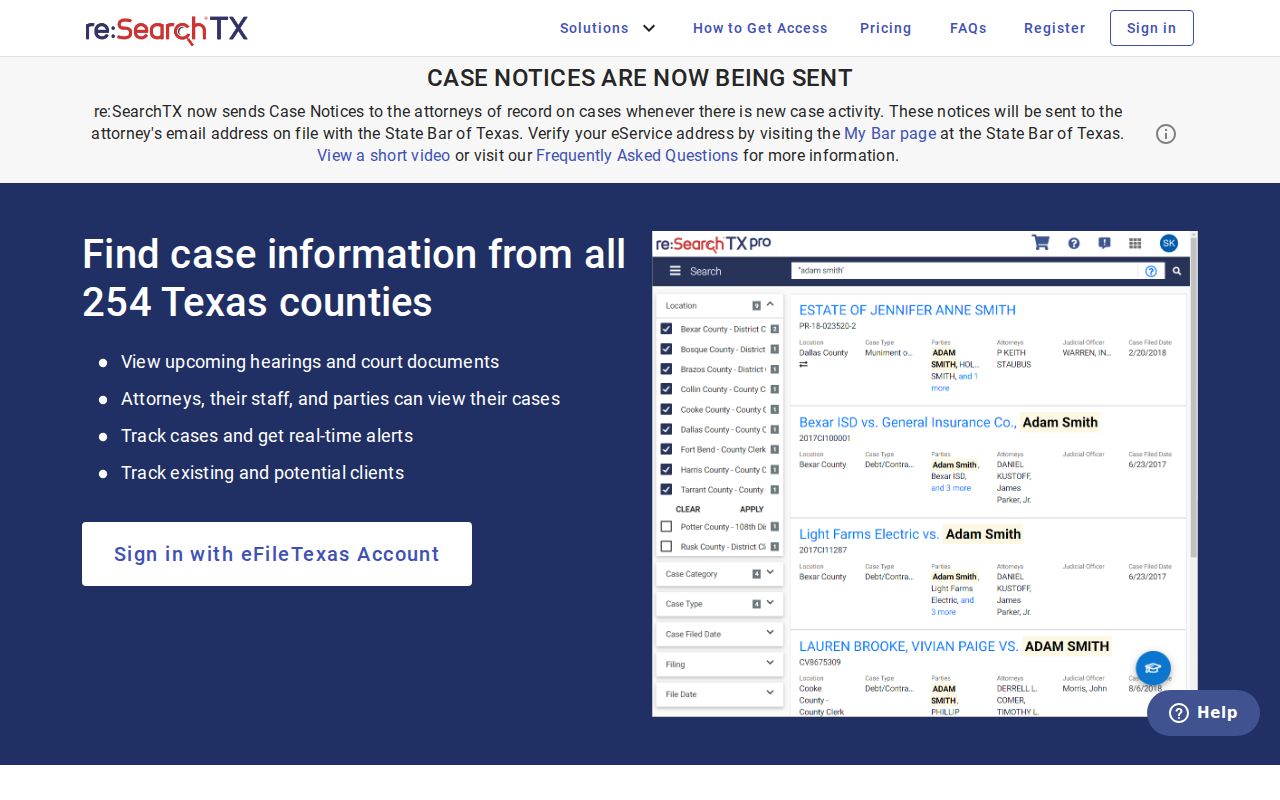
The statewide screen is useful for discovery, but the originating clerk remains the source for certified copies.
When Madison County Lookup Fails
A blank result can mean a spelling mismatch, wrong category, different court level, incomplete integration, restricted case, or unpublished document. It does not prove that no case exists. Check the citation or notice for the court, compare filing date with setting date, and retry the narrowest sound combination.
Then contact the County Clerk at 936-241-6210, District Clerk at 936-241-6212, County Court at 936-241-6202, or the general county line at 936-241-6200. Public terminals or counter inspection may reveal what the web view does not. A formal written request may apply when the item is a judicial record under Texas Rule of Judicial Administration 12. Identify the exact record and custodian. For a filed case record, ask the clerk which court rule or access process governs.
Note: Record the portal, date, filters, and result before calling so the clerk can see which route already failed.
Restricted Cases and Access Rules
Juvenile records under Texas Family Code Chapter 58 are not treated like unrestricted adult case records. Mental-health information, protected personal data, sealed pleadings, and material covered by a protective order may be masked or withheld. A sealed case may appear as restricted, or its details may not appear at all.
Texas Rule of Civil Procedure 76a presumes civil court records open but sets a court process for sealing. Texas Rule of Judicial Administration 12 applies to qualifying non-adjudicative judicial records, while filed case records follow other law and court rules. The Texas Public Information Act is not a shortcut to sealed filings or judicial work product because the judiciary has its own access framework.
Search first, verify with the court. A portal status is not a certified copy, and e-filing does not make every document image public.